
Choose what the work responds to
An installation may need to know that someone has approached, how a group moves across a zone or where a ball reaches a goal. We begin with that event and the response people should experience.
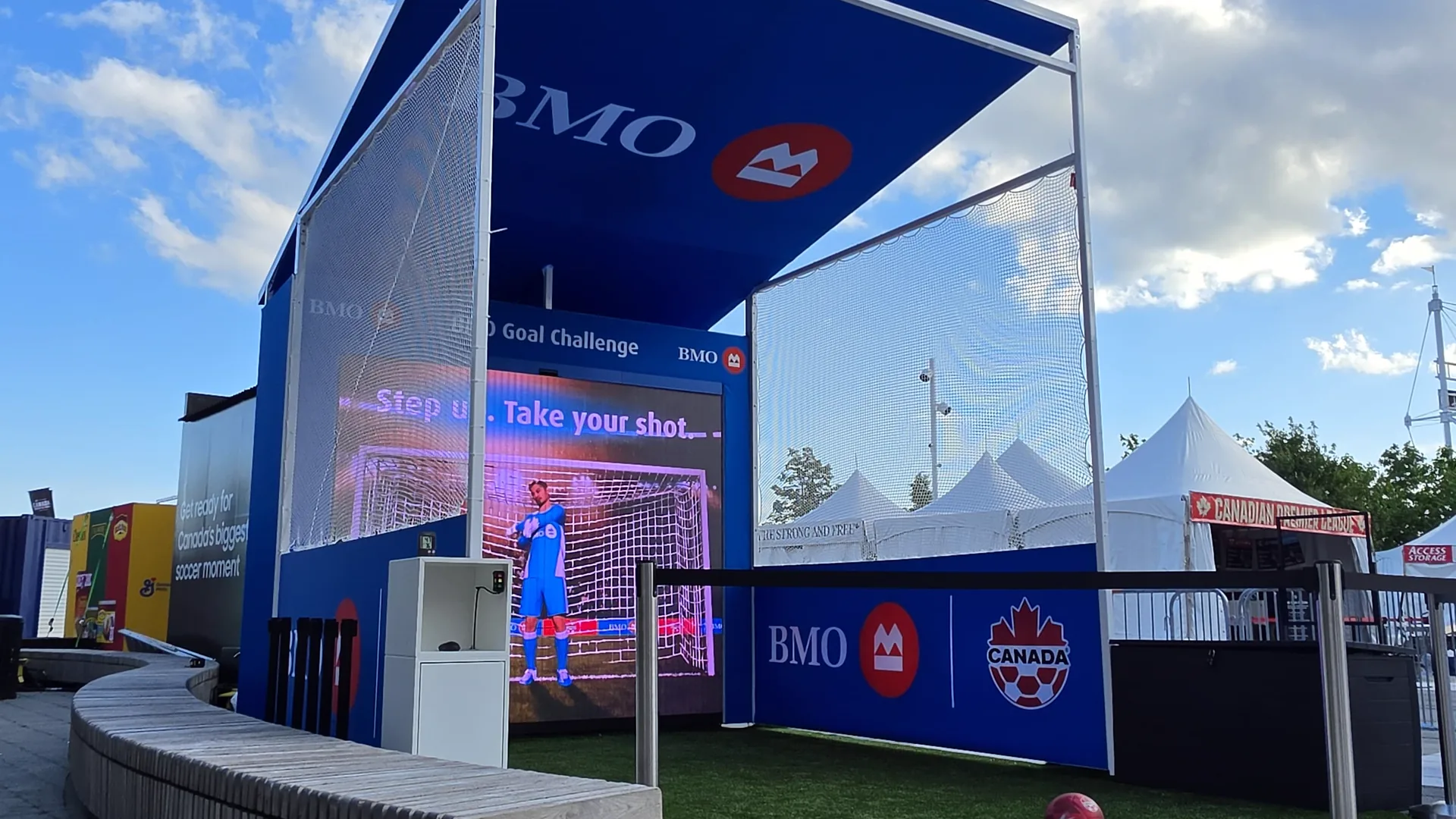
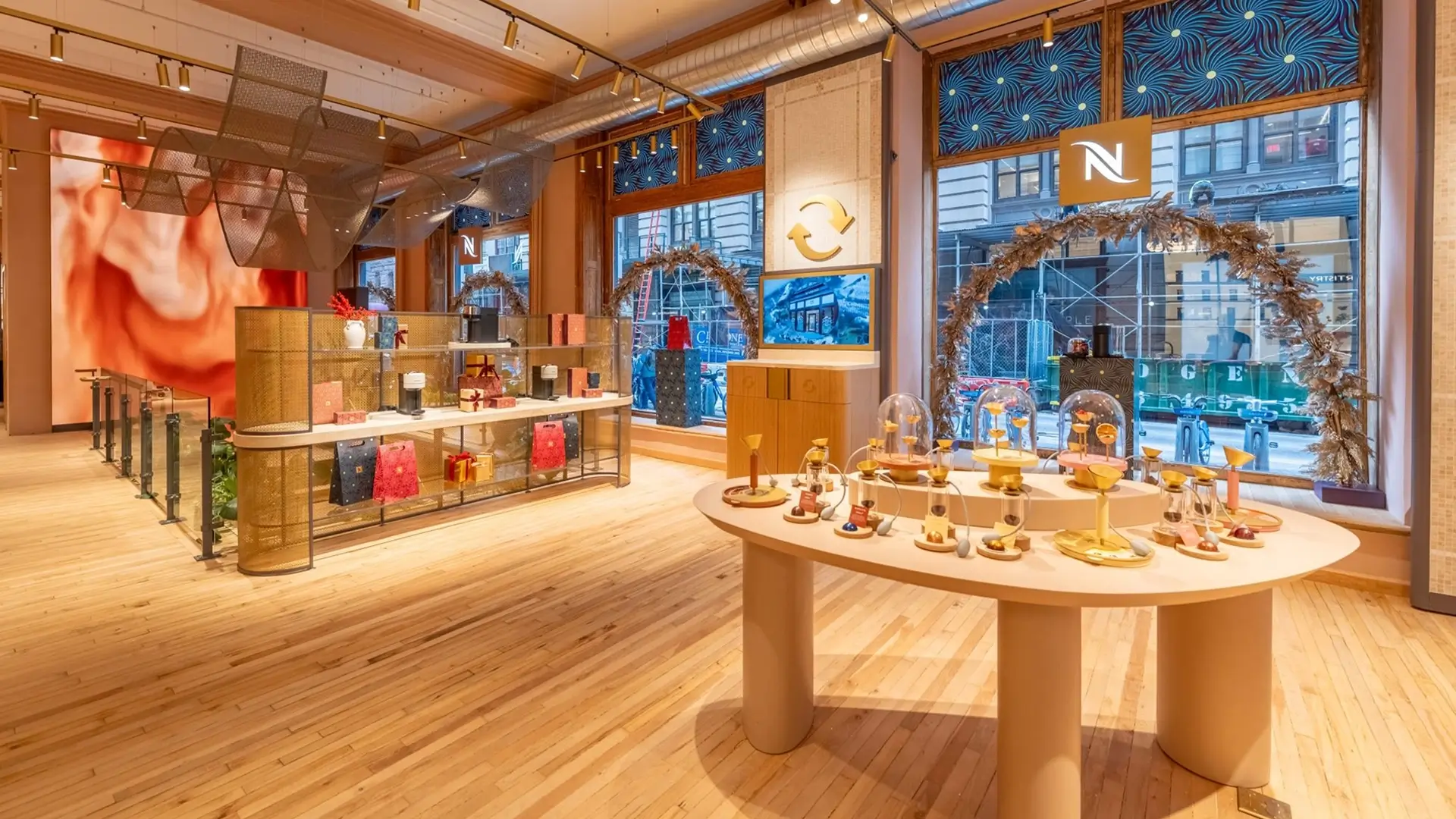
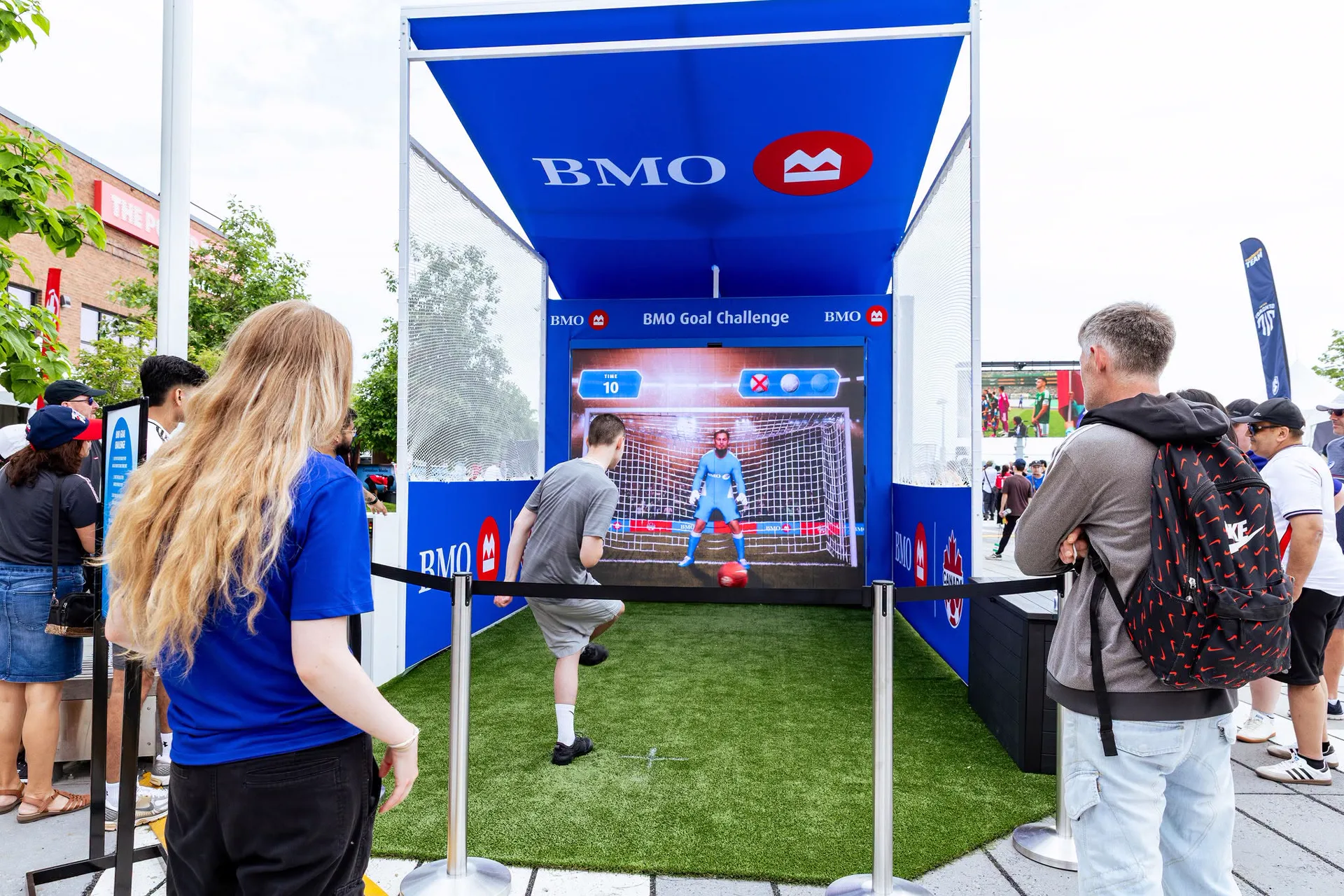
At Nespresso New York, visitor movement influences nearby fluid motion. At BMO Goal Challenge, spatial tracking and impact sensing connect a physical shot to a digital result. Each requires a different sensing strategy and timing.
Turn detection into useful behaviour
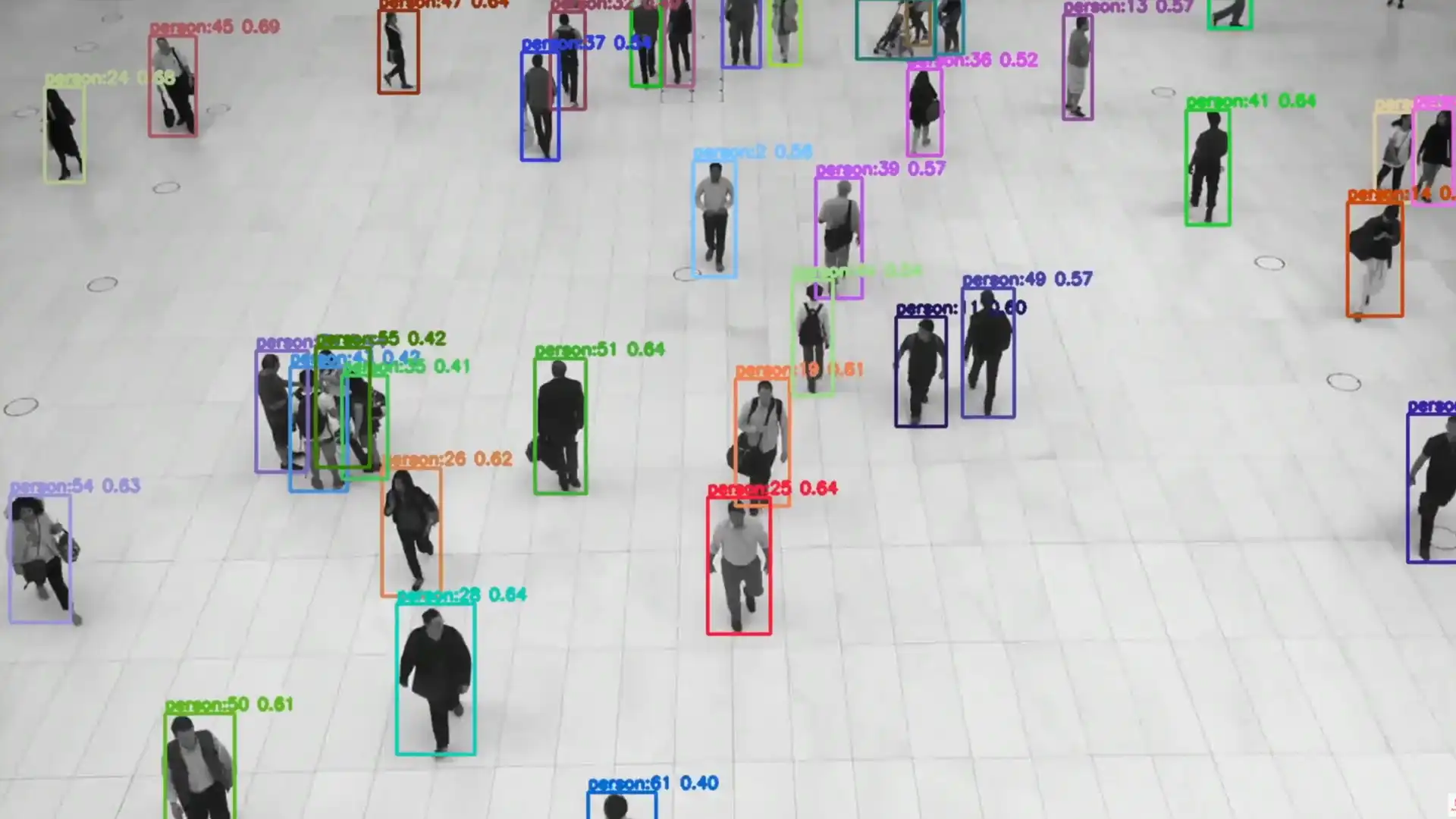
Detection identifies something in the sensor field. Tracking follows its movement over time. Calibration, filtering and interaction logic connect those observations to the artwork’s coordinates and pace.
We develop the transitions as carefully as the trigger: when influence begins, how strongly it acts, how it changes with distance and how the artwork settles after a person leaves.
Scope and outputs
| Area | Possible scope |
|---|---|
| Interaction model | Events, zones, thresholds and response rules |
| Sensing strategy | Technology, positions, fields of view and coverage |
| Development | Detection, tracking, filtering, coordinate mapping and event output |
| Calibration | Site setup, thresholds and response tuning |
| Integration | Signals for visuals, lighting, sound or game logic |
| Documentation | Sensor layouts, settings and operating guidance |
Computer vision, depth sensing, LiDAR, pressure or impact detection may suit different briefs. We test the chosen approach against the site’s light, materials, geometry and circulation. Input supplied by another specialist system can also drive the visual layer.
Plan for use in the space
Data handling is a design decision: which inputs are needed, what is processed or retained and who operates the system. The architecture and any visitor information must follow the agreed requirements. Startup, diagnostics and recalibration also belong in the delivery plan.
Discuss a sensing or interaction brief: Contact Refractiv. For the design process, read Computer vision people tracking (Read more ↗).

Selected work
- Nespresso New York interactive video wall: Spatial sensing steers a generative fluid artwork.
- BMO Goal Challenge: Tracking and impact sensing feed the game logic for a penalty challenge.
- Lexus A-Un: The butterfly visuals use biometric input supplied by Aircord’s system.